Blog
Google Maps Ranking for Liverpool Trades: The 2026 Checklist
Why you’re not showing up in the Maps “3-pack” Before diving into the checklist, it’s vital to understand the playing field. Google states that local...
Brian6 min read
Introduction: The Digital Reality for Liverpool's Businesses How to Protect Your Liverpool Business Online: A Simple Guide If you own a business in L...

Introduction: The Digital Reality for Liverpool’s Businesses
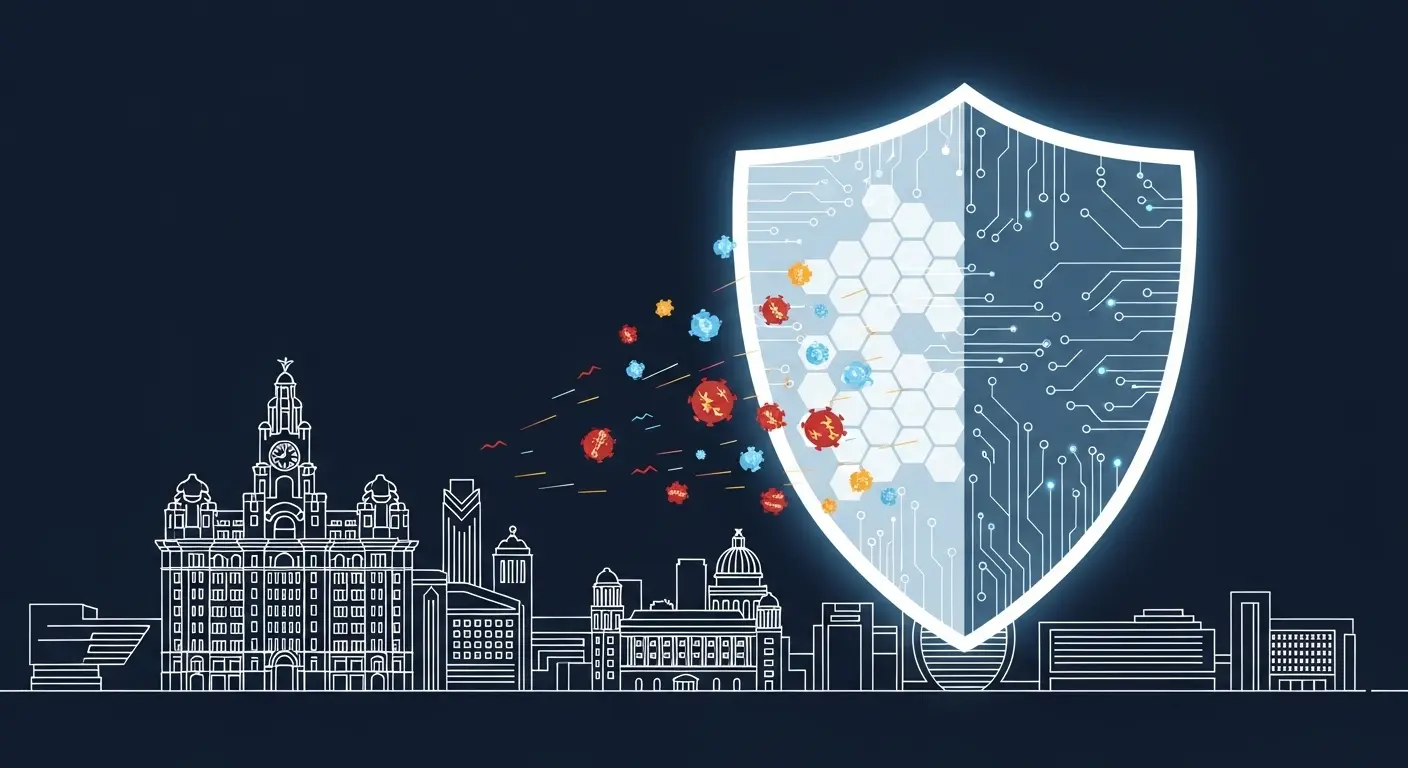
If you own a business in Liverpool,whether it’s a creative agency in the Baltic Triangle, a boutique on Bold Street, or a café near the Docks,your focus is on serving your customers and growing a successful business. The internet is your most powerful tool for this. But this digital opportunity comes with a big risk that’s easy to overlook.
Many small business owners think, “I’m too small to be a target for hackers.” But the official data tells a very different story. In the last year, half of all UK businesses (50%) reported some kind of cyber attack. For a small business like yours, there’s roughly a 1-in-2 chance of being hit by a security breach in any given year.
These attacks are not harmless. The cost can be huge. The average cost of the most disruptive attack for a small business was around £1,205 last year. For an independent shop, that’s more than a week’s rent or the cost of a new till system wiped out in an instant. And when you add up all the cyber crime incidents over a year, the average loss for a victim jumps to a shocking £15,300.
The reason you’re at risk isn’t because criminals are personally targeting your shop in Liverpool; it’s because they see small businesses as easy targets. Hackers use automated tools that are like digital burglars trying every door on a high street; they’re not looking for you specifically, just for the one business that left a window unlocked.
This guide is designed to help you feel in control, not scared. It cuts through the confusing tech talk to give you simple, affordable, and effective steps to protect your business online. This advice is practical and based on recommendations from the UK’s top experts at the National Cyber Security Centre (NCSC). Protecting your business isn’t about becoming a tech genius; it’s about understanding the real risks and taking simple steps to build a strong online defence.
To protect your business, you first need to know what you’re up against. Cybercrime is a real and growing risk for all businesses. Criminals might be after your money, your data, or they might just want to cause chaos for your business and damage your reputation. The most common attacks are often surprisingly simple and rely on human mistakes, not complex hacking.
The Main Culprits: No-Nonsense Explanations
Let’s break down the most common types of attacks.
Phishing: This is the number one threat, a digital con trick where fraudsters try to fool you or your staff into giving away passwords or clicking a bad link. They often do this by pretending to be someone you trust (like HMRC, your bank, or even a local supplier) and creating a sense of urgency to make you act without thinking. This can happen via email, a text message (Smishing), or a phone call (Vishing). A more targeted and dangerous version, Spear Phishing, uses personal details found online to make the scam more believable.
Malware: This is a catch-all term for any malicious software (like a virus) designed to damage your computer, steal your data, or get into your systems. It’s often the nasty surprise inside an attachment from a phishing email.
Ransomware: This is a particularly nasty type of malware. It gets onto your computer and locks up all your files. The criminals then demand a ransom payment (often in an online currency that’s hard to trace, like Bitcoin) to unlock them.
Important: The police and cyber experts strongly advise you not to pay the ransom. There’s no guarantee you’ll get your files back, and it marks you as a target for future attacks.
Denial of Service (DDoS) Attacks: This is an attempt to knock your website offline by flooding it with so much junk traffic that it crashes. For an online business in Liverpool, it’s the digital equivalent of a mob blocking the door to your physical shop, so no real customers can get in.
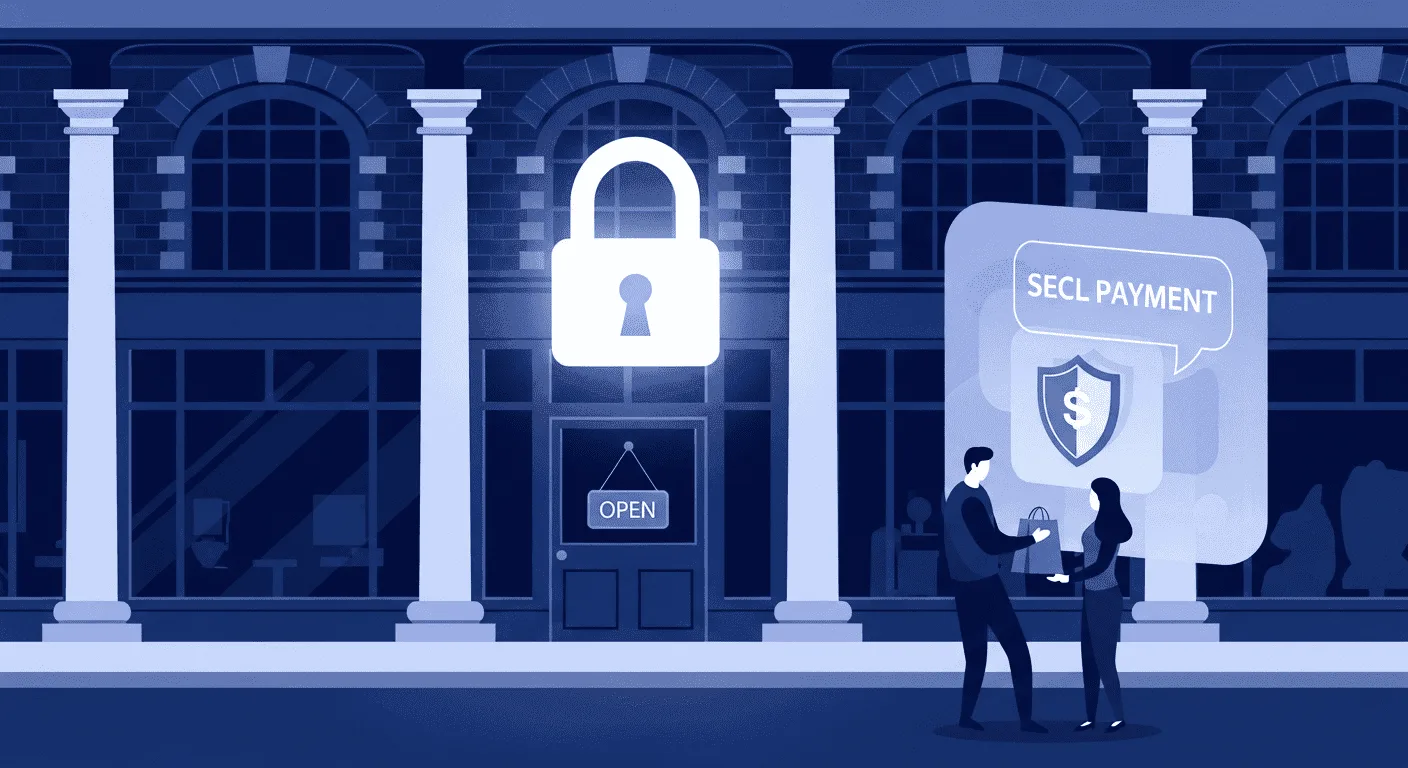
Top Threats at a Glance
| Threat | What It Is | How It Affects Your Business | Liverpool Example | |---|---|---|---| | Phishing | A dodgy email, text, or call trying to trick you into giving away passwords or clicking a bad link. | Criminals can steal money, access customer data, or lock your files with ransomware. | An email that looks like it's from Liverpool City Council about a business rates rebate, with a link to a fake login page to steal your details. | | Ransomware | Nasty software that locks your files and demands money to get them back. It's digital blackmail. | Your business can grind to a halt. You could lose access to all customer records, accounts, and files. | An employee opens an infected email attachment, and all their delivery schedules are locked with a message demanding £2,000 in Bitcoin. | | Malware | Any harmful software (like a virus) that can damage your computers or steal information. | Can slow down computers, steal passwords, and lead to financial loss. | A staff member downloads a free tool from a dodgy website which secretly records every password they type. | | DDoS Attack | Criminals flood your website with so much fake traffic that real customers can't get on it. | Your online shop goes down , no sales, frustrated customers, and a damaged reputation. | A restaurant's booking system is flooded with fake traffic on Grand National weekend, meaning no real customers can get through to book a table. |
Facing these threats can feel overwhelming, but the good news is that most attacks exploit simple, preventable weaknesses. The UK’s National Cyber Security Centre (NCSC) has a simple framework to help businesses like yours build a strong defence. Getting these five things right will give you the biggest security boost for the least time and money, protecting you from most common threats.
1. Back Up Your Data – Your Business Lifeline
Imagine losing all your customer details, orders, and accounts in an instant. Regular data backups are your single most important defence. They are your best weapon against ransomware. If criminals lock your files but you have a clean, recent copy stored somewhere else, you can restore your data and carry on.
Here’s how to do backups right using the simple 3-2-1 method:
2. Protect from Malware – Guard the Gates
First, install and turn on antivirus software on all your computers. Many modern operating systems like Windows and macOS have good antivirus protection built-in for free. You just need to make sure it’s switched on.
Second, and even more important, is to keep all your software up to date. When companies release updates, they often include fixes for security holes that criminals actively look for. Turning on automatic updates is one of the easiest and most effective free security measures you can take.
3. Keep Your Phone & Tablet Safe – Your Mobile Office
Securing your phone is just as important as securing your laptop. Here are five quick tips from the NCSC:
4. Use Passwords to Protect Your Data – The Keys to Your Kingdom
Weak or reused passwords are a huge weakness. Here’s a two-part solution:
Turn On Multi-Factor Authentication (MFA): This is one of the best things you can do. After you enter your password, you have to provide a second proof of who you are, usually a code sent to your phone. This means even if a criminal steals your password, they can’t get in. Turn it on for all important accounts, especially your email.
5. Avoid Phishing Attacks – Don’t Take the Bait
Training yourself and your staff to spot a fake is a critical defence.
For many Liverpool businesses, your website is your main shop window. Keeping it secure is essential for building customer trust.
Build Trust with a Digital Padlock (SSL Certificate)
Look at the address bar of your browser right now. You should see a little padlock icon next to the website address. That padlock is a sign of a secure website. It is enabled by an SSL certificate, which scrambles any information sent between your customer’s browser and your website so hackers can’t read it. This is vital for protecting customer details.
Why SSL is a must:
Choose a Secure Host – Your Digital Landlord
Your web host is like a digital landlord. Look for one that offers security features like firewalls, regular backups, and a guarantee that your site will almost always be online.
Safe Payments – Using a Payment Gateway
If you sell anything online, a service like Stripe, PayPal, or Square is a must.
Most cyber attacks succeed by exploiting human nature. This means your staff can either be your weakest link or your best defence.
Create a Security-Aware Culture, Not a Culture of Fear
Lead by example and treat security as a key business issue. This is vital: create a ‘no-blame’ culture. An employee must feel safe to say, ‘I think I’ve clicked something I shouldn’t have’ immediately. If they report it instantly, you might only need to run a virus scan. If they hide it for a week out of fear, they could have allowed a hacker to access your entire business.
Simple Rules for a Safer Workplace
Cyber-Smart Training That Actually Works
Handling customer information means you have legal responsibilities under the UK General Data Protection Regulation (UK GDPR). This is mostly about treating customer information with common sense and respect.
The 7 Key Rules in Plain English
UK GDPR is based on seven principles, including being open and honest, only collecting what you need, keeping it safe, and deleting it when it’s no longer needed. As the business owner, you are responsible for following these rules.
A Practical Checklist for Your Business
The Information Commissioner’s Office (ICO) has a simple checklist for small businesses.
Having a simple plan ready before an incident is key to reducing damage and stress.
Step 1: Prepare (Before it Happens)
Step 2: Identify (During the Incident)
Step 3: Fix the Problem
Step 4: Report It
Step 5: Learn Your Lesson
You don’t have to do this all alone. Expert help is available right here in our region.
Your Police-Led Partner: The North West Cyber Resilience Centre (NWCRC)
One of the best resources is the North West Cyber Resilience Centre (NWCRC). It’s a non-profit, police-led organisation set up to help small businesses protect themselves. They offer free membership with regular tips, and affordable services like staff training and security checks delivered by local university students.
Finding Local IT & Cyber Support in Liverpool
Alongside these dedicated cyber organisations, don’t forget that general business support groups like the Liverpool Chamber of Commerce or the FSB (Federation of Small Businesses) also provide members with resources and guidance that often includes cybersecurity.
If you’d rather get professional help, Liverpool has many great IT support and cybersecurity companies. Here are a few places to start looking for help. This list is for informational purposes and is not a direct endorsement. Always conduct your own research and due diligence before hiring any third-party company.
Liverpool & North West Cybersecurity Support Directory
| Organisation | Type | Services | Contact | |---|---|---|---| | North West Cyber Resilience Centre (NWCRC) | Police-Led, Not-for-Profit | Free membership, newsletters, affordable staff training, phishing tests, vulnerability checks. | www.nwcrc.co.uk | | Prism Infosec | Commercial Cyber Security | Security consulting, payment card (PCI) help, CREST-approved services. | Cheltenham and Liverpool | | ICT Solutions | Commercial IT & Cyber | Managed IT support, firewalls, secure Wi-Fi, disaster recovery, data backups. | www.ictsolutions.co.uk | | ITB Cyber Solutions | Commercial Managed Security | SME services: managed firewalls, user training, Cyber Essentials help. | www.it-b.co.uk | | Corp Networking | Commercial IT & Cyber | Antivirus, web filtering, cyber training, 24/7 monitoring. | www.corpnetworking.co.uk | | E2E Technologies | Commercial IT & Cyber | Managed cyber security, antivirus, and consulting for all sizes. | www.e2etechnologies.co.uk |
1. I’m just a sole trader. Do I really need to worry about this?
Yes. Hackers see smaller businesses as easier targets. Automated attacks scan the internet for easy victims, so size doesn’t matter. With about half of UK businesses getting hit each year, taking basic steps is vital for everyone.
2. If I only do one thing, what should it be?
Back up your data and keep a copy separate. And turn on multi-factor authentication (MFA) on your email account. These two steps give you the biggest security boost.
3. Is my antivirus software enough to protect me?
No. Antivirus is essential, but it’s not enough on its own. Good security is about having layers of defence.
4. I’ve been hit by ransomware. Should I pay?
No. The official advice from the police and the NCSC is do not pay. There’s no guarantee you’ll get your data back, and you’ll be marking yourself as a target for future attacks. Restore your files from your clean backup.
5. How much does this cost? I’m on a tight budget.
Many of the most important security steps are completely free. You can significantly boost your security without spending a penny by:
6. What do I do if I think I’ve been hacked?
If you’re under a live attack right now, call Action Fraud immediately on 0300 123 2040. If you can, disconnect the infected computer from the internet. Then, follow your emergency plan.
7. My business doesn’t sell online. Do I still need to worry?
Yes. If you use email, store customer information on a computer, use online banking, or have a website for marketing, you are a target. Attacks like ransomware and phishing can affect any business that uses a computer, regardless of whether you sell online or not.
Protecting your business online might seem complicated, but you don’t need to be a tech expert. Effective security is built on simple habits, a culture of awareness, and knowing where to get help.
Focus on these three things:
Cybersecurity is an ongoing process, not a one-time fix. You can start today by creating a free, personalised Cyber Action Plan on the NCSC website or signing up for Free Membership with the North West Cyber Resilience Centre. That first step is the most important one.
Get help
We help Liverpool businesses with web design, SEO, and content. Honest work, fixed prices.
More articles
Why you’re not showing up in the Maps “3-pack” Before diving into the checklist, it’s vital to understand the playing field. Google states that local...
Unlock the power of basic website analytics with easy-to-use tools that help you understand your visitors, boost engagement, and make smarter decisions to...
Hey Liverpool business owners! From the electric atmosphere at Anfield to the excitement of the Grand National, our city pulses with events that draw milli...